09 June 2026
590
4 min
0.00
Yespo Email Editor Update: What’s New

Natalie Ustymenko
Meet the updated email editor that simplifies working with letters — from creation to approving the final version with colleagues — in a single workspace. Learn more about all the updates and how they will help you work faster and more comfortably right now.
Updates in Detail
The editor has changed visually and become more modern:
- Expanded workspace — more room to design your emails.
- Simplified template navigation — containers, structures, and stripes are easier to find, edit, and switch between.
- Reorganized menu — you can now customize its placement for maximum convenience.
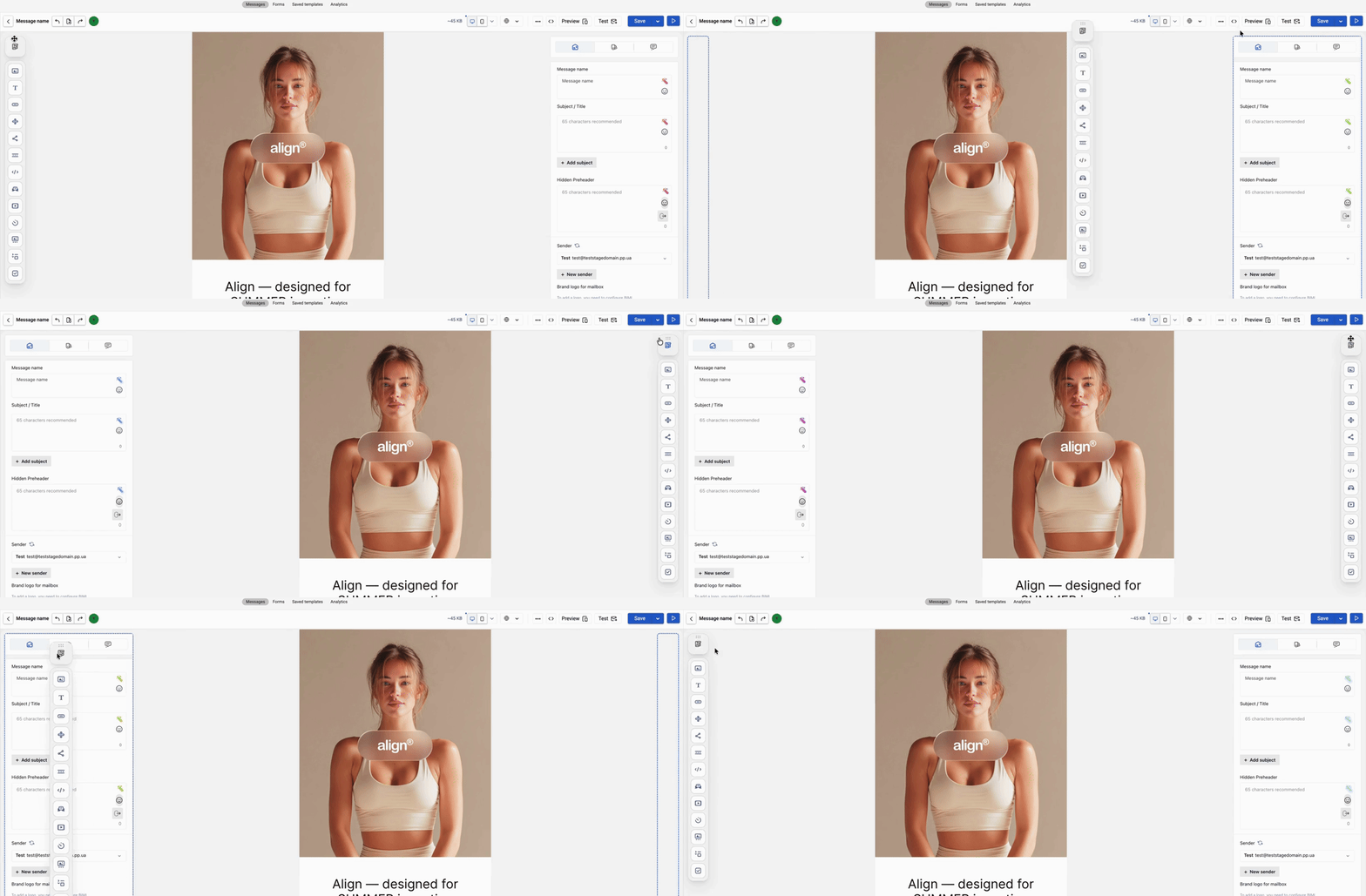
Real-Time Collaborative Editing
Edit emails alongside your team, view changes in real time, and leave comments or assign tasks directly in the editor. Nothing will get lost or forgotten.
Example of collaborative editing
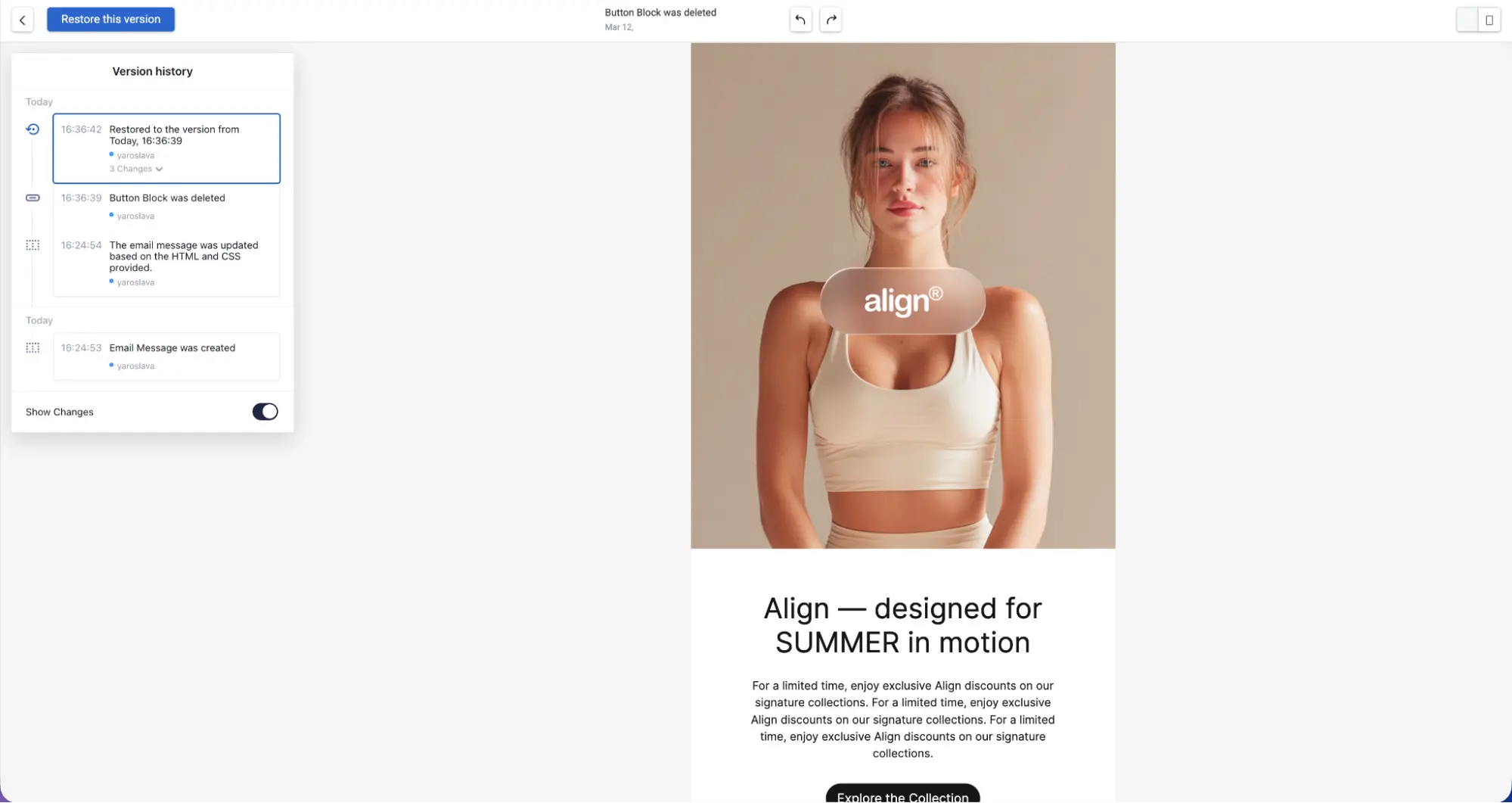
Wondering "who made this change and when?" Find the answer in the Version History, now conveniently accessible right in the editor.
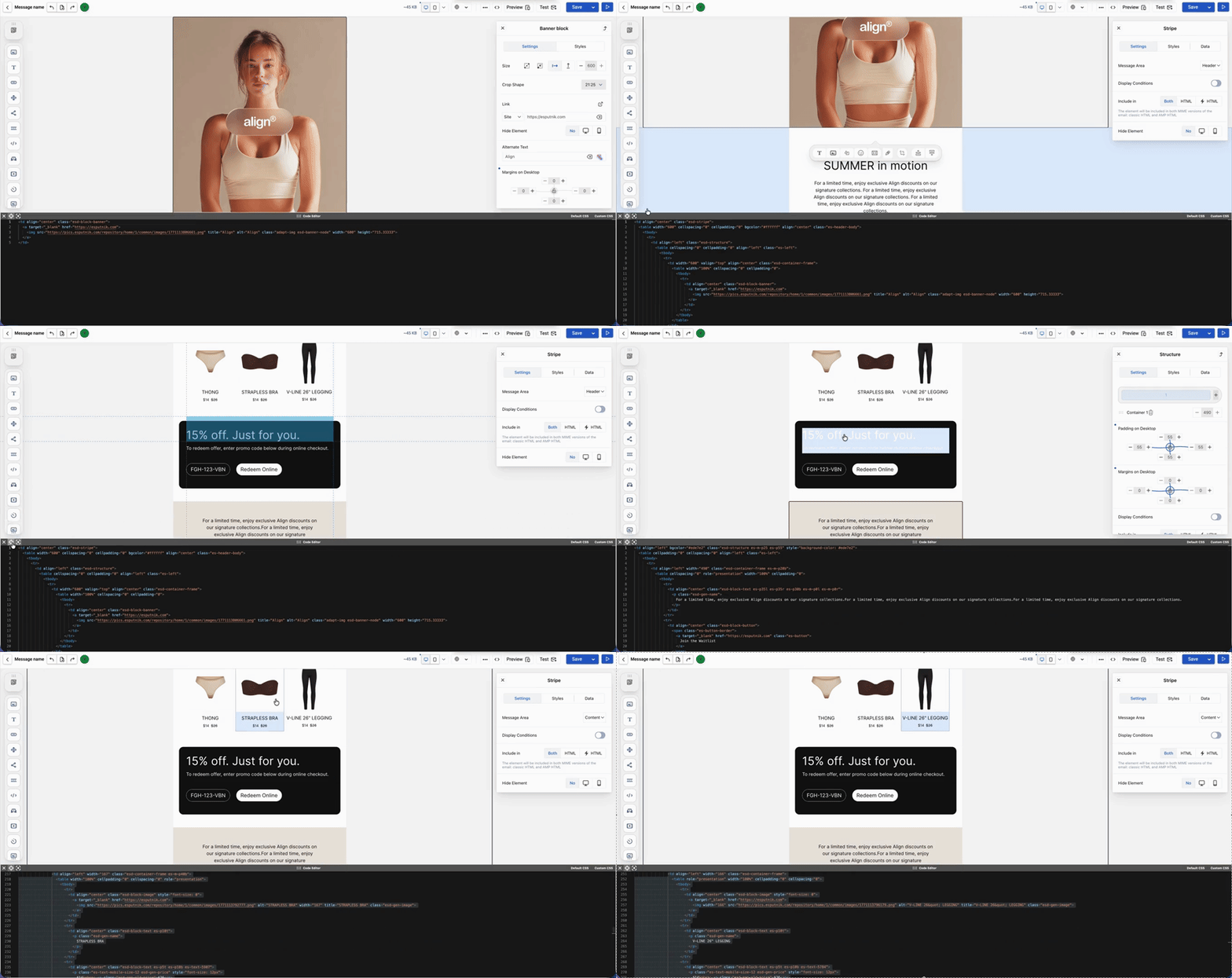
Email and Code in Seamless Sync
A handy new feature for those working with HTML: a single click reveals where a selected piece of code is located within the template, and vice versa. No more scrolling through endless lines of code to find the block you need.
Independent Mobile and Desktop Editing
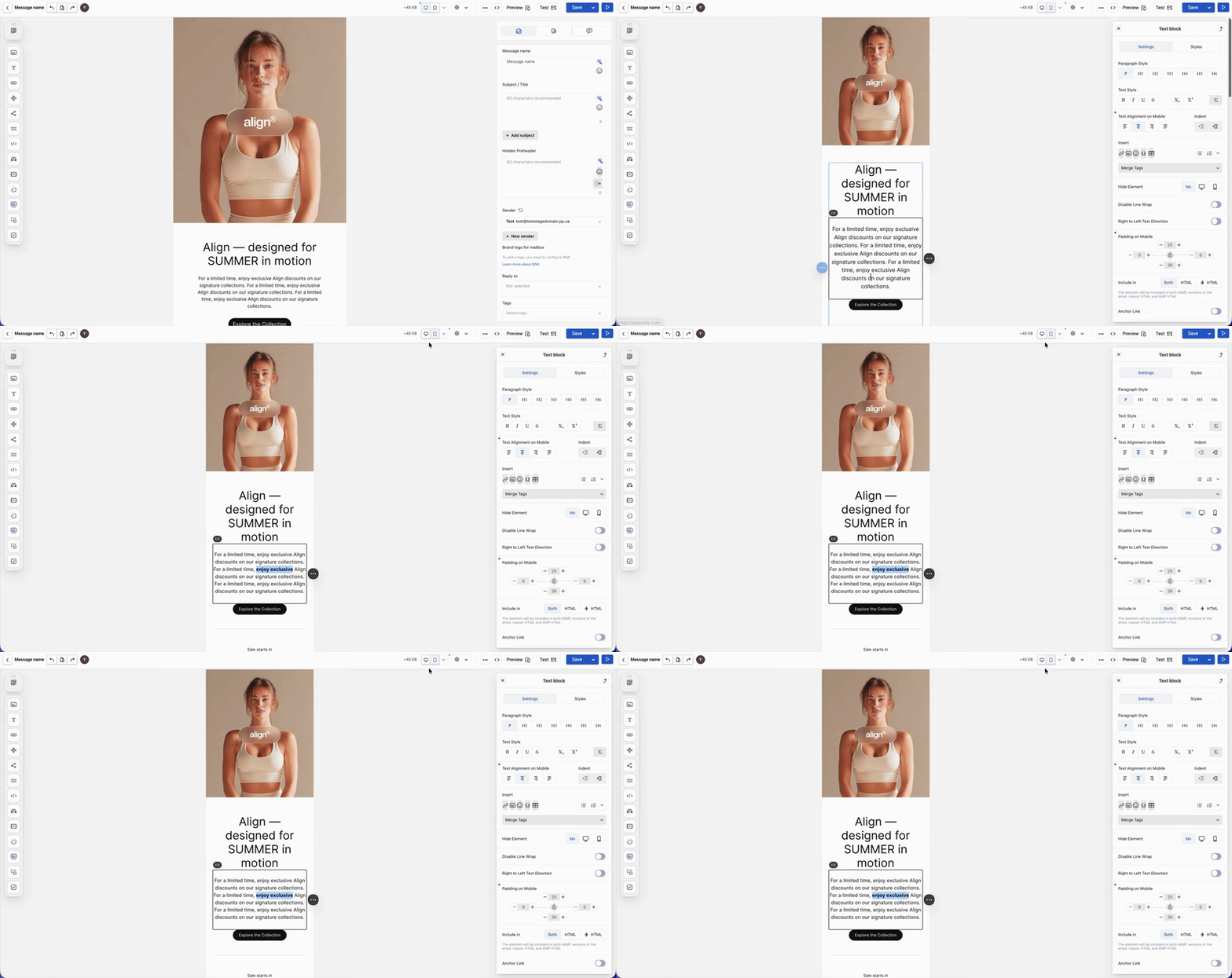
Previously, you couldn’t edit the mobile version of your email separately — you had to go back and adjust the desktop layout. Now, you can easily toggle between versions and edit them independently: customize paddings, text sizes, or block positioning specifically for mobile or desktop.
A More Intuitive AI Assistant
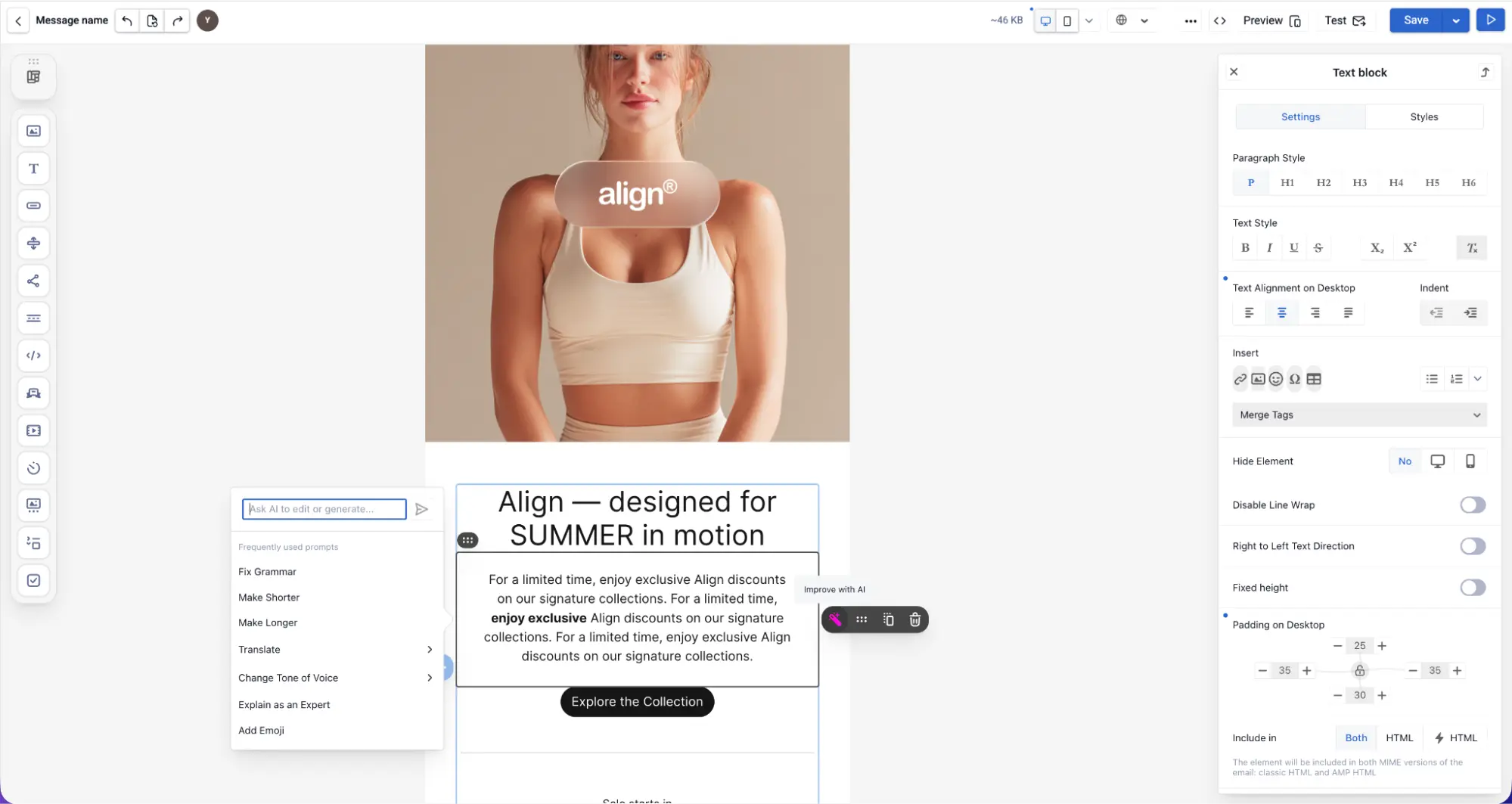
The email editor featured AI before, but now it’s smarter and much easier to use. Simply select a text block and instantly choose an action: fix typos, shorten, expand, translate, change the tone, add emojis, or type in a custom prompt.
Enhanced Interactive AMP Blocks
AMP (Accelerated Mobile Pages) technology lets your subscribers browse products, take polls, and fill out forms right inside the email – no website visit required. The editor supports the following AMP elements:
Carousel — allows scrolling through content elements to display multiple products in a compact space.
Accordion — allows collapsing and expanding content blocks to hide long texts without harming the UX.
Forms — allow collecting answers or feedback directly in the email.
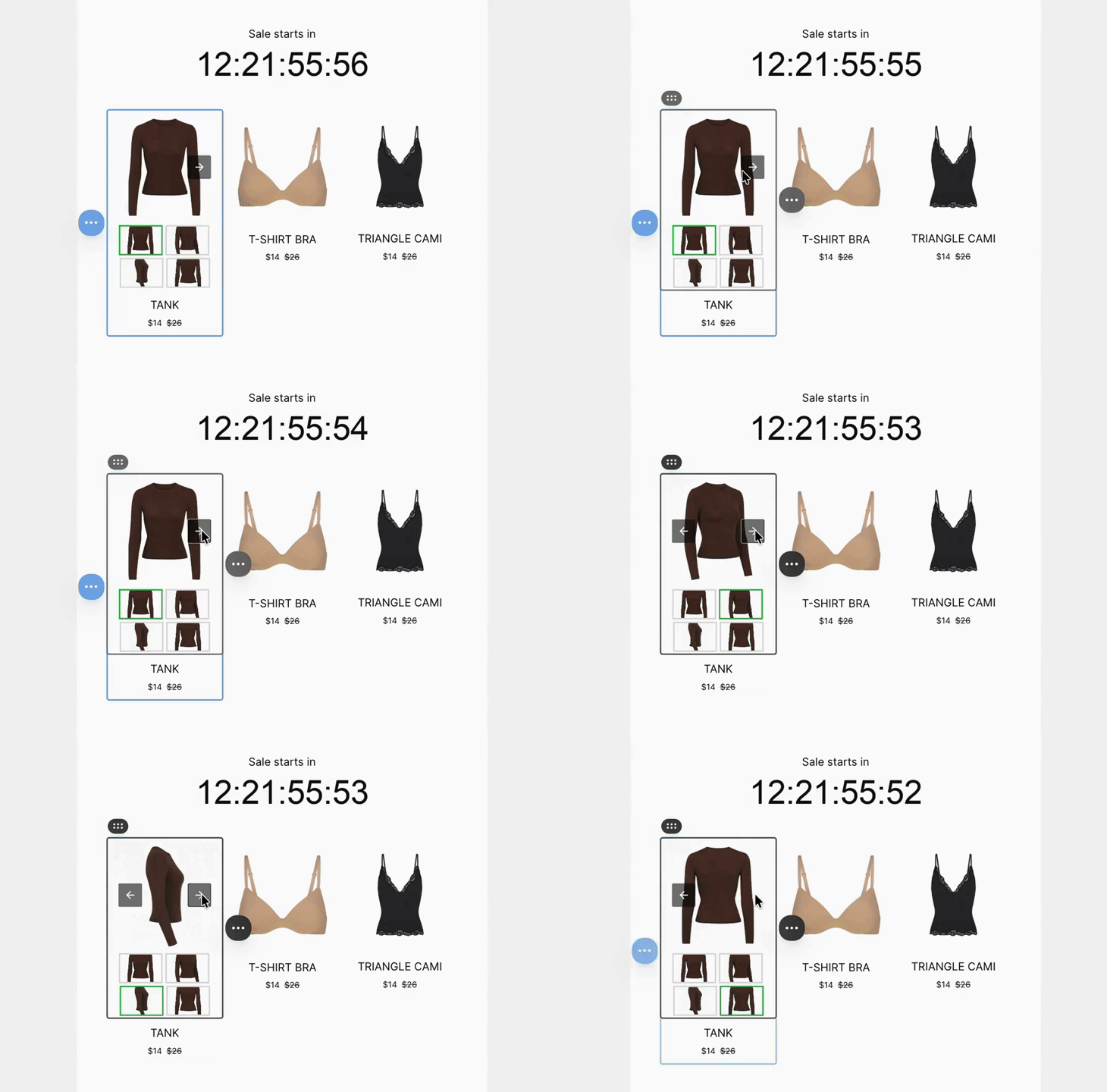
Previously, you had to enter Preview mode to see how interactive AMP elements behaved. Now, you can test carousels, accordions, and forms right inside the editor, without interrupting your workflow.
Sign up and see the editor in action
Dynamic Block Display — No Coding Required
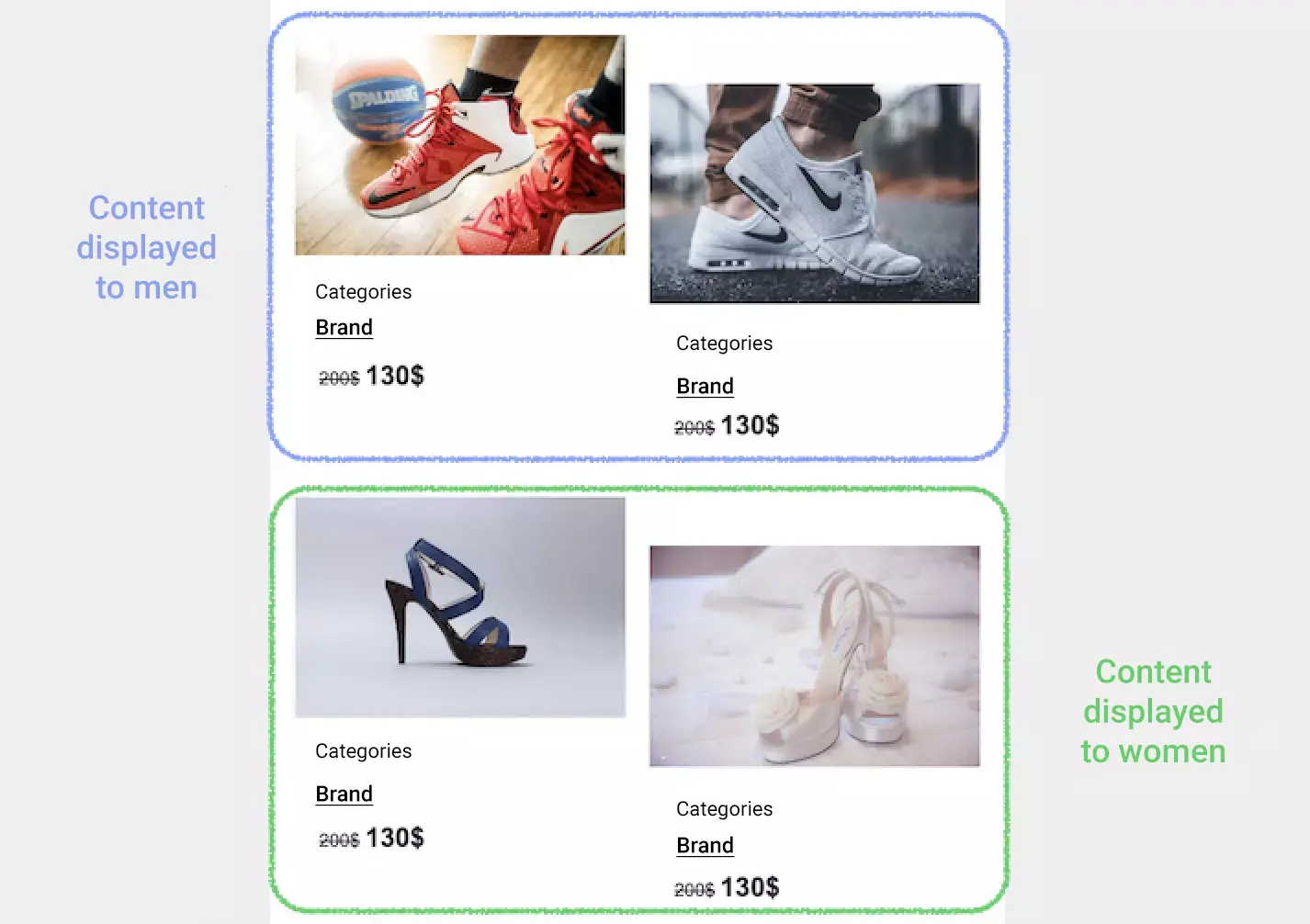
One email, tailored content for different subscribers. For example, you can show one product to men and another to women. Previously, you had to manually write conditional code for each block. Now, simply build your Condition Library once and select the rules you need from a dropdown right in the editor.
How to Access the Update
The new editor is already available to all Yespo users directly within your account – no extra setup required.
You can find a detailed guide on using the new editor in our Help Center. We highly recommend checking it out, but if you still have questions, feel free to contact us at — we’re always here to help.
Want to drive more sales with your email campaigns? Book a free demo and consultation. We’ll analyze your goals and walk you through the best solutions for your business.
