Content
12 May 2026
4532
16 min
0.00

Best Email Builders: A Practical Guide for Marketers and Designers

Yana Bozhko
Content
Email building has never been harder. Subscribers open their emails on numerous devices and platforms, ranging from Android’s Gmail app to the Apple Mail app on macOS. They all render HTML in different ways, and picking the wrong email builder won’t just affect productivity; it can even damage your email’s deliverability, branding, and conversions.
Here, we take a close look at 7 email builders using practical, tangible factors such as design versatility, exportability, collaboration functionality, price clarity, and customer service effectiveness. There will be a builder here that suits your needs, whether you plan to create a single email campaign or build an email production workflow for agencies.
What to Look for in an Email Builder
Before we examine each component tool in detail, it is worth identifying what makes an email builder more than simply functional:
- Exportability: Does the software allow export of HTML that can be used anywhere else? Does it force you to use their delivery system?
- Rendering accuracy: Have the templates been tested against big-name apps like Gmail, Outlook, and Apple Mail?
- Multiple user functionality: Can several people work on the same template at once?
- Block library capability: Does it provide content blocks, not only templates?
- Free version availability: Does it come with a genuine free version?
- Documentation and support: How comprehensive is the documentation? Live support?
With those criteria in mind, here are the ten builders worth evaluating in 2026.
1. Stripo
Best for: Teams that need design flexibility combined with seamless ESP integration
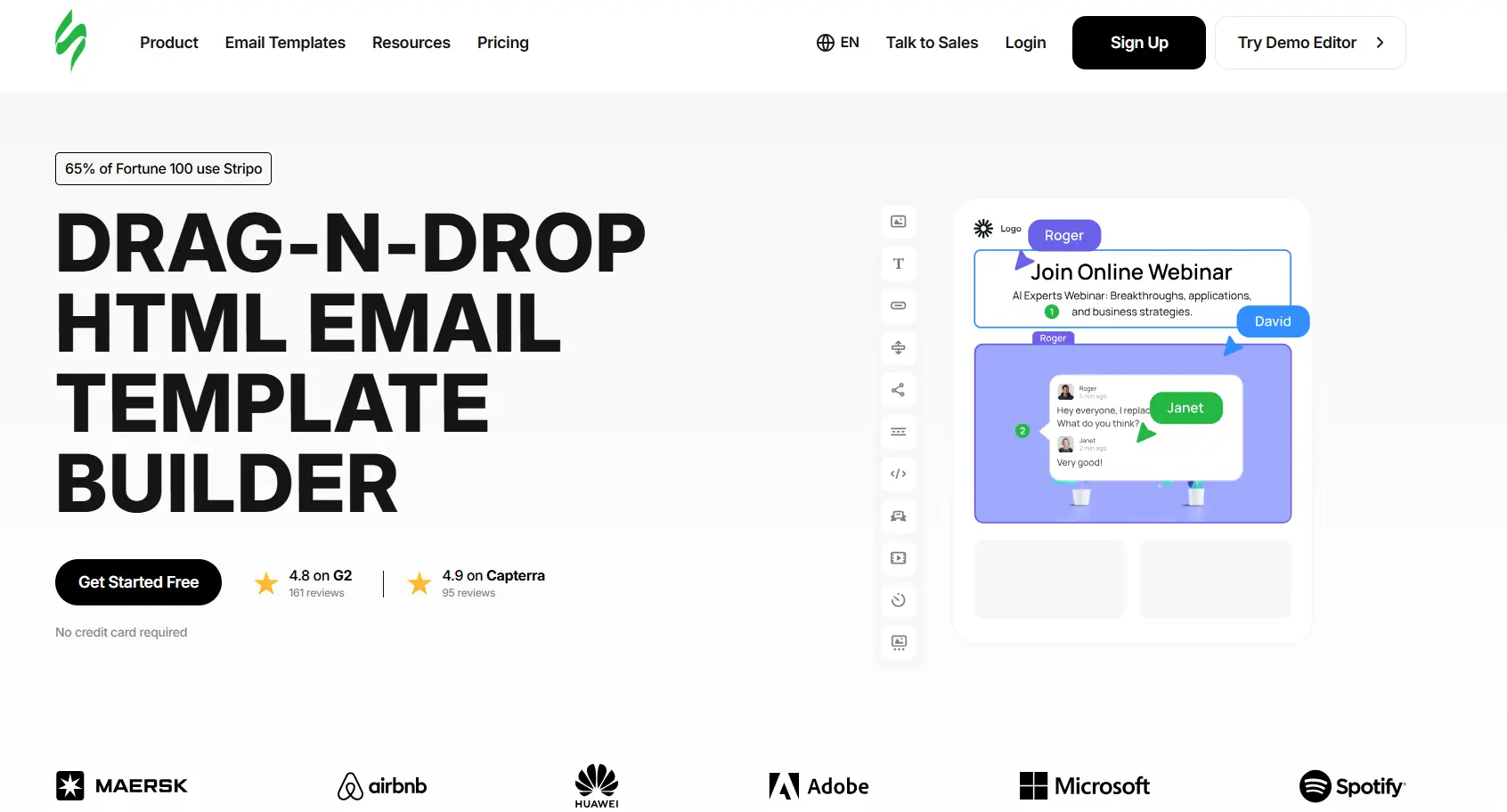
Unlike the bundled builders in ESPs, Stripo uses an export-first strategy — templates can be exported to over 80 email service providers, including Mailchimp, HubSpot, Klaviyo, and Salesforce Marketing Cloud, right from the platform interface, eliminating the need to copy HTML code.
The distinguishing feature of Stripo lies in its unique dual-mode editor. If the coder needs to create HTML tags, then he will not be restricted from doing that by any means, thanks to the drag-and-drop feature of Stripo. On the other hand, a marketer who is unable to code can still build excellent marketing campaigns using a single template.
Key Features
- Drag-and-drop and HTML/CSS code editor with real-time sync between modes;
- AMP for Email support — interactive carousels, accordions, and forms within the email body;
- Smart elements and modular content blocks, reusable across multiple templates;
- Built-in email rendering preview via Litmus integration;
- Role-based access control and inline commenting for team collaboration;
- Embedded plugin version available for SaaS platforms needing to offer email editing to their own users.
Pros
- ESP-agnostic — not tied to any sending platform, avoiding vendor lock-in;
- One of the few builders with production-ready AMP for Email support;
- Free tier allows creation up to 5 templates;
- Lots of documentation, video guides, and a vibrant community.
Cons
- Preview through. Litmus requires Litmus access or one of the paid Stripo subscriptions;
- Large library of templates. However, template quality differs depending on the category.
Pricing
Free plan available. Paid plans start at $20/month (Basic) and scale to Business and Agency tiers. A white-label Plugin version with custom pricing is available for SaaS platforms.
Support Quality
A comprehensive database, video tutorials, and live chat for paid plans. There is a peer forum that can help troubleshoot problems as well. The response time for the paid plans is always quick.
2. Unlayer
Best for: Developers embedding email editing into their own products
Unlayer occupies a unique space since it is both an embeddable library and a dedicated email editor. Companies that wish to create a SaaS service, CRM system, or marketing automation tool may implement the drag-and-drop email editor provided by Unlayer within their product via a JavaScript embedding API. The onboarding experience for end users — the customers of businesses using Unlayer — is deliberately minimal, so non-technical users can produce professional-looking emails without any training.

Key Features
- Fully embeddable editor via JavaScript SDK with custom branding options;
- Custom block and tool development for platform-specific requirements;
- Responsive email template library with 500+ designs;
- HTML export or direct upload to major ESPs.
Pros
- Best-in-class embed documentation for product teams;
- Clean, minimal UI well-suited to non-marketing users;
- Good variety of starter templates.
Cons
- Standalone version is less feature-rich than dedicated email design competitors;
- No AMP for Email support;
- Significant customization of the embedded editor requires developer involvement.
Pricing
Free plan available. Paid plans from $250/month; enterprise and embed pricing is custom, based on usage and integration scope.
Support Quality
Documentation is good, but geared towards developers. Response time for support becomes much better with premium plans. Community content is less compared to other mature products.
3. Beefree
Best for: Agencies managing multiple client accounts
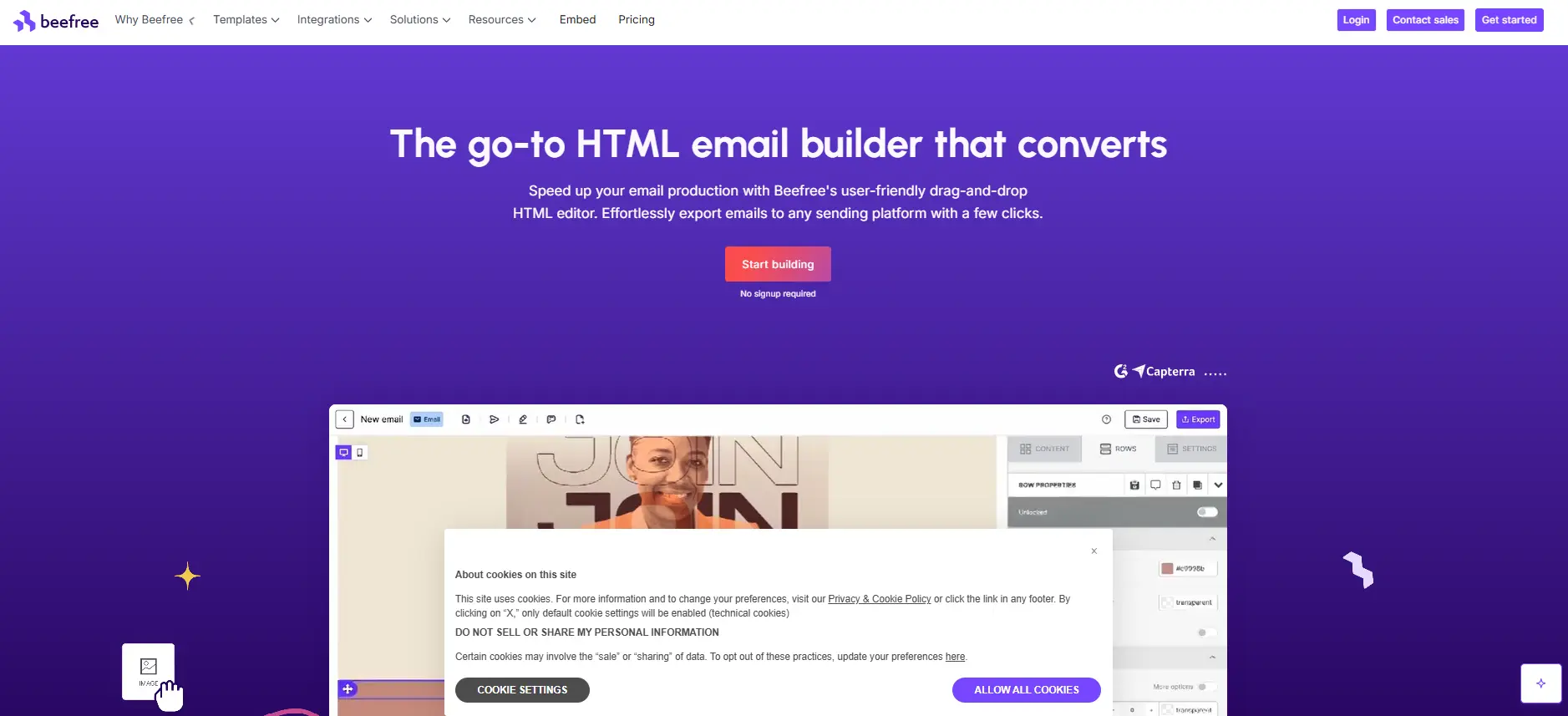
Beefree (formerly BEE Pro) is a mature, polished email design platform with a strong focus on multi-account management. It is particularly beneficial for agencies, as its structure allows creating separate brand spaces for each client. One of its useful features is the client approval process, which enables clients to approve email designs without creating an account on the platform.
Key Features
- Advanced drag-and-drop editor with real-time co-editing;
- Landing page builder included alongside the email editor;
- Approval workflows and inline commenting;
- ESP sync integrations;
- Template catalog exceeding 1,000 designs.
Pros
- True real-time collaboration with co-editing;
- Large, professionally designed template library;
- Clean HTML export suitable for any ESP.
Cons
- Pricing jumps significantly between tiers;
- No AMP for Email support;
- Free plan is limited to 3 exports per day.
Pricing
There is a free version available. Pricing starts at about $30/month for agency accounts, scaling up to around $25 per month.
Support Quality
Documentation available; live chat is available in the paid plans.
4. Tabular
Best for: Developers and technical teams who want code-first email production
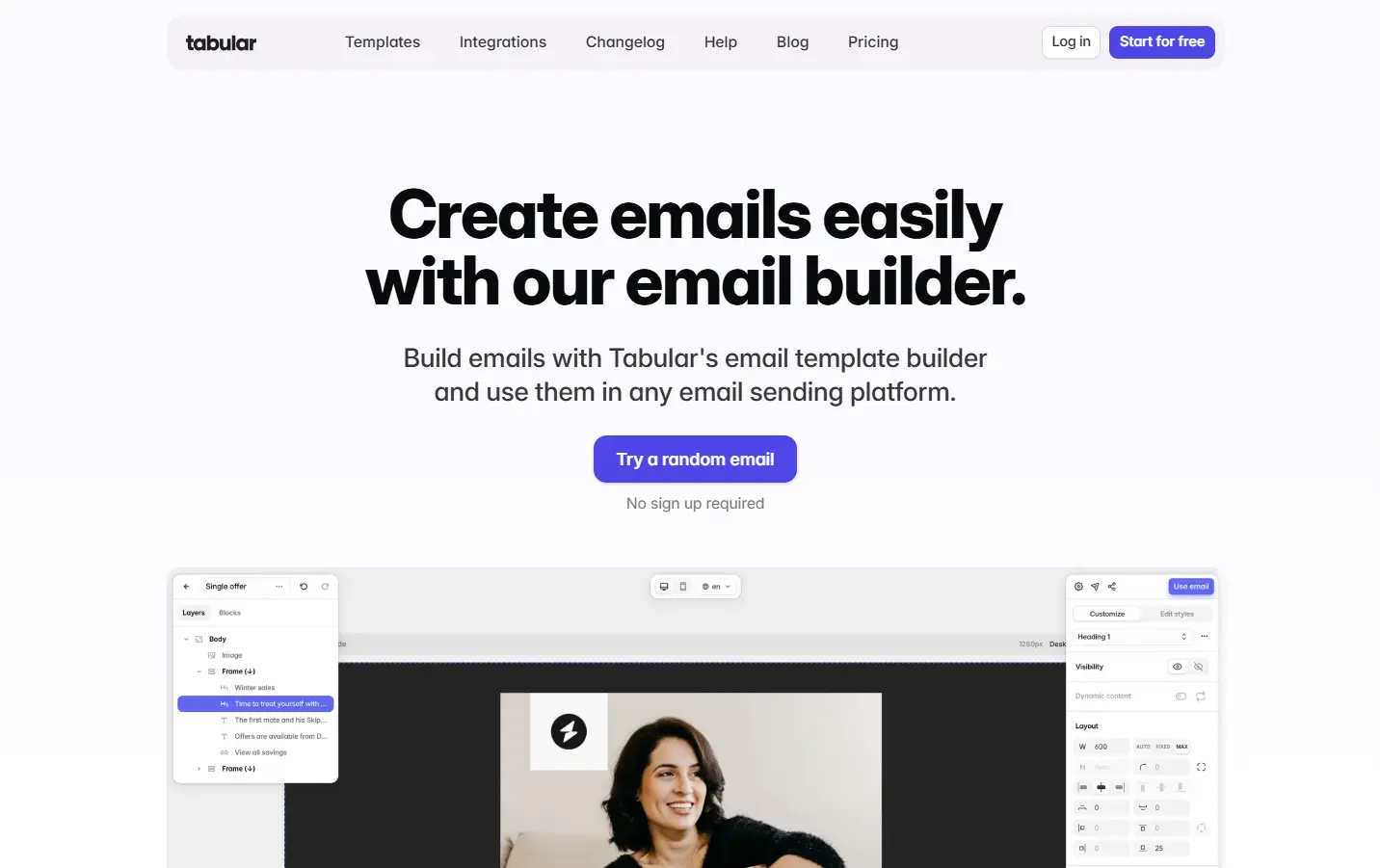
Tabular works differently from other tools because of its unique code-first mentality, with the option to see its preview. Therefore, Tabular is the ideal platform for people who work with email and always run into barriers when using conventional visual tools. The version history and branching system — rare in email tooling — solves real problems in collaborative development workflows.
Key Features
- Component-based template architecture with a custom-coded block library;
- Built-in rendering testing across 90+ clients;
- Git-style version history with branching;
- Collaboration tools, including comments and team review.
Pros
- Genuine code-first approach that doesn't constrain developers;
- Superior version control versus almost all competitors;
- Rendering tests integrated directly into the production workflow.
Cons
- Steeper learning curve for non-developers;
- Higher price point than general-purpose builders;
- Smaller community; fewer publicly available templates.
Pricing
The plans begin at about $24.17/month. There is no free trial version available.
Support Quality
Documentation is thorough and developer-focused. The team is responsive via email, though the user base is smaller, so community resources are more limited.
5. Chamaileon
Best for: Large teams with complex approval and brand governance needs
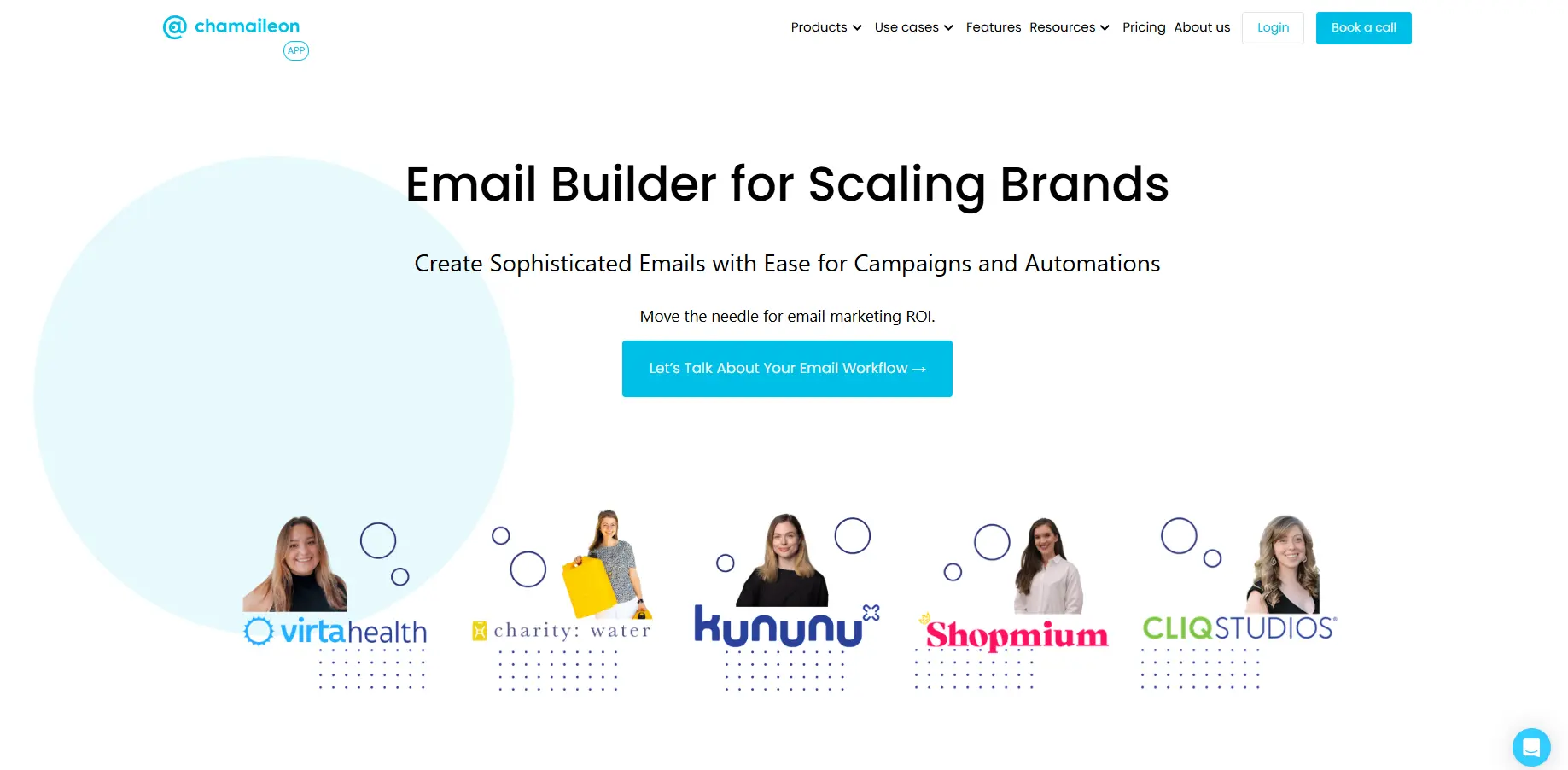
Chamaileon is a collaborative email production platform designed for enterprises and larger marketing teams that require multiple stakeholders to be involved in template creation, review, and approval. Its brand governance features allow admins to lock specific design elements — logo placement, color palette, font choices — so that content editors can update copy and imagery without inadvertently breaking brand standards.
Key Features
- Real-time collaborative editing;
- Granular permission controls and role management;
- Reusable content blocks with brand-level locking;
- Multi-brand workspace management;
- ESP export integrations.
Pros
- Best-in-class brand governance and design locking;
- True real-time collaboration across large teams;
- Strong permission and role management for complex org structures.
Cons
- Expensive relative to the smaller team needs;
- Interface can feel complex for simpler use cases;
- No AMP for Email support.
Pricing
Begins at around $400/month; enterprise price is customizable. More appropriate for businesses where the seat-based price can be allocated to a bigger team.
Support Quality
Onboarding support provided for higher-priced packages; customer support is always well-regarded by enterprise customers. Customer success participation differentiates premium-tier support.
6. Dyspatch
Best for: Product and engineering teams managing transactional email at scale
Dyspatch is built specifically for transactional emails like order confirmations, password reset requests, account updates, and onboarding flows. The collaboration around template management enables developers creating templates to work seamlessly with business users who want to modify the copy. Non-technical teams can safely edit text and imagery in production templates without risking HTML breakage, because changes pass through an approval flow before deployment.

Key Features
- Localization support for multi-language transactional templates;
- AMP for Email support;
- Approval workflows enabling non-technical content updates;
- API-first architecture designed for integration with existing systems;
- ESP integrations via API with major providers.
Pros
- Exceptional transactional email workflow management;
- Localization built into the core product, not bolted on;
- AMP for Email support for interactive transactional messages;
- Clean API and developer documentation.
Cons
- Not designed for marketing campaign emails — a narrow use case by design;
- Higher price point with no free tier;
- Overkill for teams with simple transactional email requirements.
Pricing
Paid subscriptions only; price information is not available and must be discussed during a sales call. Works best for companies that send large volumes of transactional emails.
Support Quality
Support staff who respond promptly and include onboarding support on premium subscriptions. Strong developer support.
7. MailerLite
Best for: Creators, solopreneurs, and small newsletter publishers
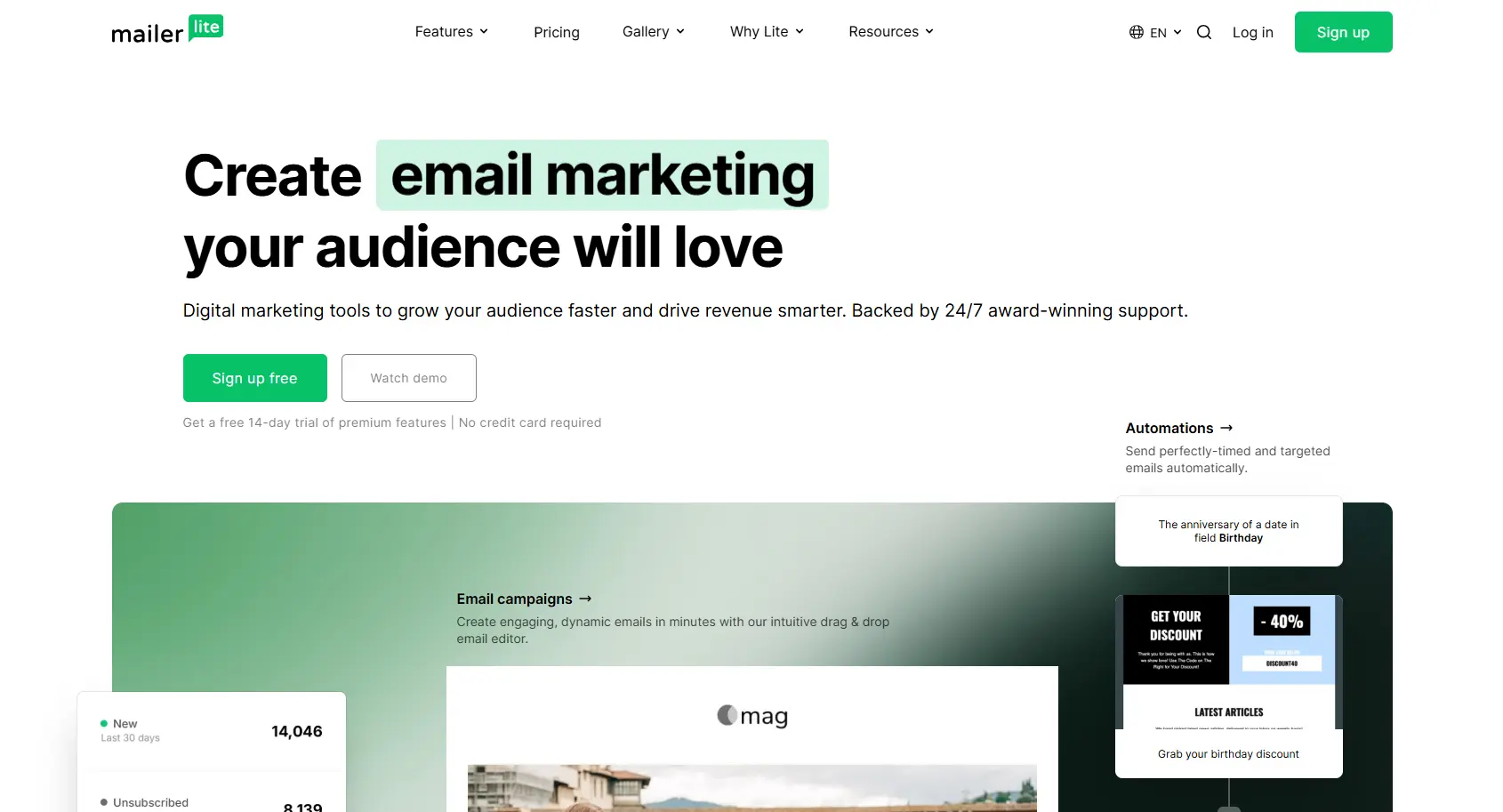
MailerLite is an easy-to-use email marketing tool that has gained popularity among solo entrepreneurs and small teams. Its email builder is intuitive and covers the needs of most single-person or small team operations effectively. The newsletter monetization features — which allow creators to sell paid subscriptions — make it a particularly good fit for content-driven businesses looking to consolidate tools.
Key Features
- Drag-and-drop editor with both text-focused and visual block options;
- Landing page and simple website builder included;
- Newsletter monetization with paid subscription support;
- Automation workflows and behavioral triggers;
- A/B testing and campaign analytics.
Pros
- Outstanding free package: maximum 1,000 subscribers and 12,000 emails per month;
- Monetizing newsletters is incorporated without the need for third-party software;
- Clean, modern templates with a consistent design standard;
- Responsive support even on the free tier — unusual in this segment.
Cons
- Builder customization is limited for complex or multi-column layouts;
- Advanced segmentation is less powerful than mid-market alternatives;
- Scaling costs become less competitive at larger list sizes.
Pricing
Free up to 1,000 subscribers. Growing Business plan from $10/month. Advanced plan from $20/month with additional automation and team features.
Support Quality
24/7 live chat and email support — among the most impressive support options for free and basic plans in this category.
Quick Comparison: At a Glance
|
Tool |
Best For |
Free Plan |
From ($/mo) |
Standout Feature |
|
Stripo |
Design + ESP Integration |
Yes |
$20 |
80+ ESP exports, AMP support |
|
Unlayer |
Embedding in SaaS products |
Yes |
$250 |
JavaScript embed SDK |
|
Beefree |
Agencies, client management |
Yes |
$25 |
Real-time co-editing |
|
Tabular |
Code-first development teams |
No |
$24.17 |
Git-style version control |
|
Chamaileon |
Enterprise brand governance |
No |
$400 |
Locked brand elements |
|
Dyspatch |
Transactional email at scale |
No |
Custom |
Localization + AMP support |
|
MailerLite |
Creators, newsletters |
Yes |
$10 |
Newsletter monetization |
Note: Pricing listed reflects publicly available information as of 2026 and may change. Always verify current pricing on each vendor's website before making purchasing decisions.
Which Email Builder Is Right for the Job?
The truth is, there is no one tool that rules all use cases. Every platform featured here has made compromises that will make it a great choice for some teams but a poor choice for others.
Where creating visually stunning, branded emails that will need to be delivered using different ESPs is key, Stripo comes up as a winner in general. The dual-mode editor, modular block system, AMP support, and breadth of ESP integrations cover more ground than most competitors — and the free plan makes it accessible for teams evaluating options without budget commitment.
For agencies managing multiple client accounts with structured review cycles, Beefree's workspace model and approval workflow system are better suited to day-to-day operations. Chamaileon extends that logic further for enterprises where design governance is a compliance concern, not just a style preference.
For pure transactional email at product scale — particularly when localization across multiple languages is required — Dyspatch operates in a category of its own. Tabular addresses a similar developer-first need for teams that produce custom marketing templates in code. This is also great news for freelance professionals looking to leverage newsletters as their main source of income without having to maintain multiple subscriptions at once, as MailerLite offers real value for money.
The absolute worst-case scenario would be choosing an email template creator based on brand awareness alone, only to realize after several months that the software cannot export clean HTML files, work with your chosen ESP, or expand to accommodate team collaboration requirements.


.webp "15 Free Email Subject Generators to Write Better Subject Lines")
